
RouterOS CAPsMAN
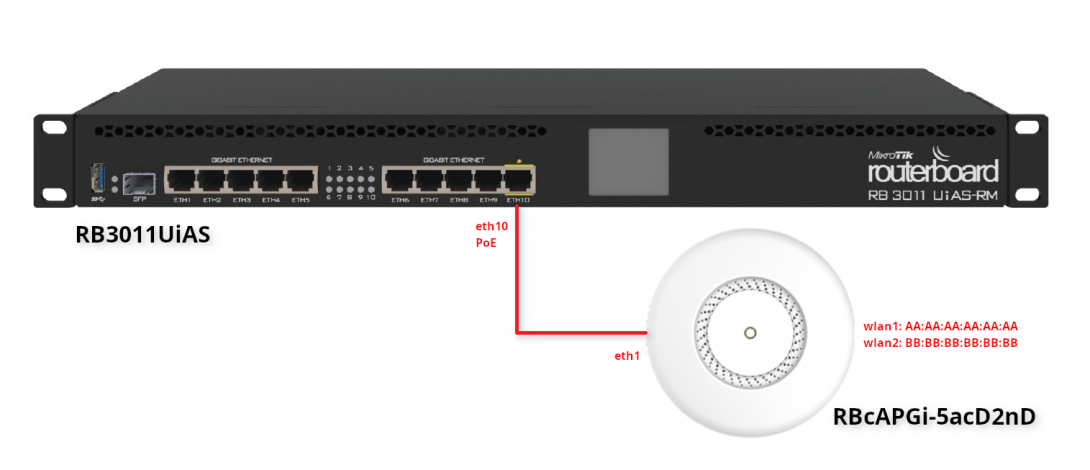
Příklad, jak připojit WiFi cAP mikrotik přes CAPsMAN.
Použité komponenty
| RB3011UiAS | eth10 - PoE |
| RBcAPGi-5acD2nD (cAP) | eth0 wlan1:AA:AA:AA:AA:AA:AA wlan2: BB:BB:BB:BB:BB:BB |
Produkt info:
The cAP ac is a very capable and powerful wireless access point that looks beautiful on both walls and ceilings. The concurrent dual band wireless radio supports dual chain 2 GHz 802.11b/g/n and 5 GHz in a/n/ас standards, and will provide coverage in 360 degrees around it.
Even though the radio supports repeater mode, the two Ethernet ports give you the ability to extend your network with cables, even if PoE power is required, since the cAP ac supports 802.3af/at PoE input on the first port, and passive PoE output on the second port. Device supports IPsec hardware acceleration too.
- cAP ac (International) supports 2412-2484MHz and 5150MHz-5875MHz range (Specific frequency range can be limited by country regulations).
- cAP ac-US (USA) is factory locked for 2412-2462MHz, 5170-5250MHz and 5725-5835MHz frequencies. This lock can not be removed.
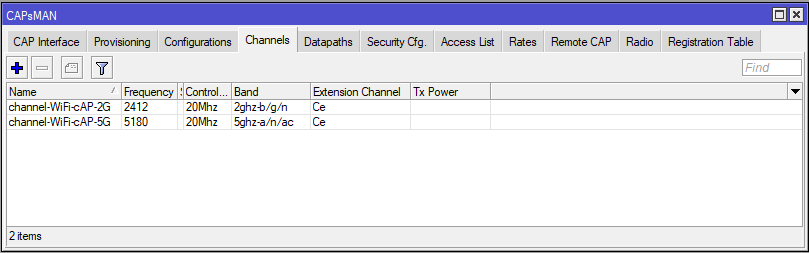
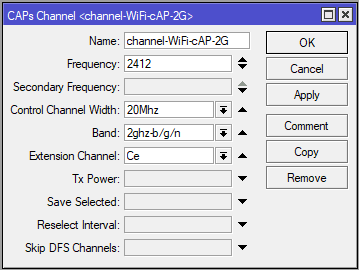
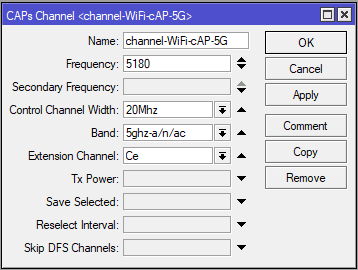
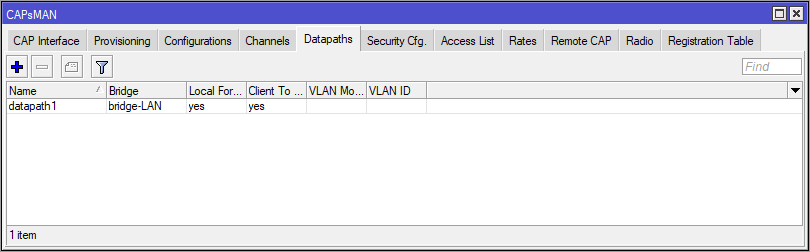
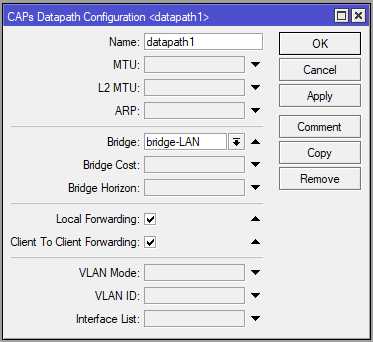
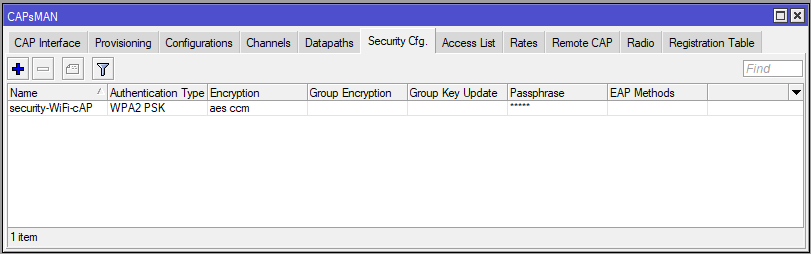
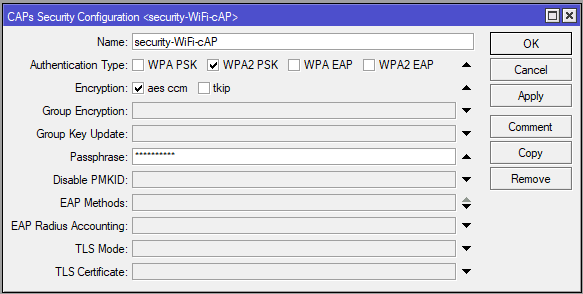
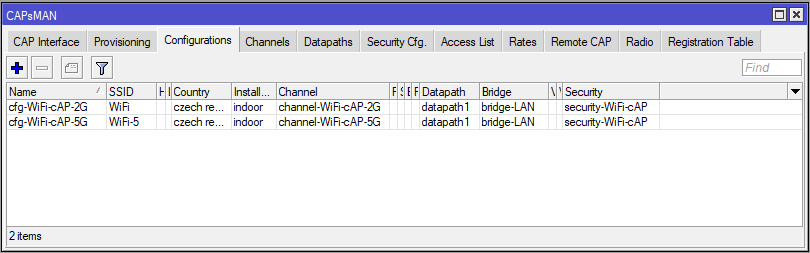
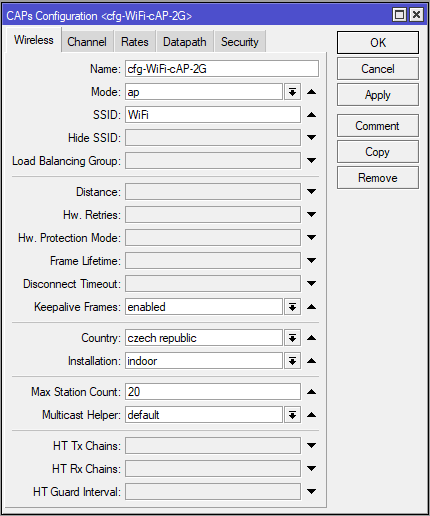
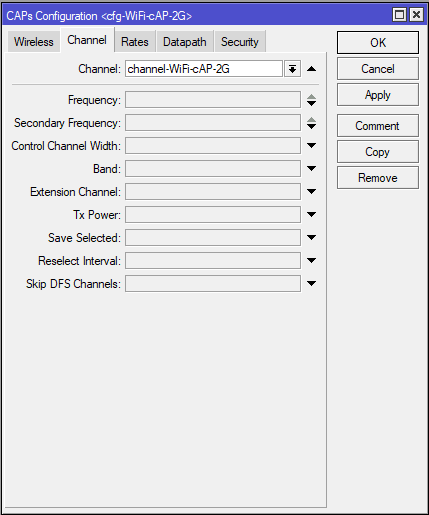
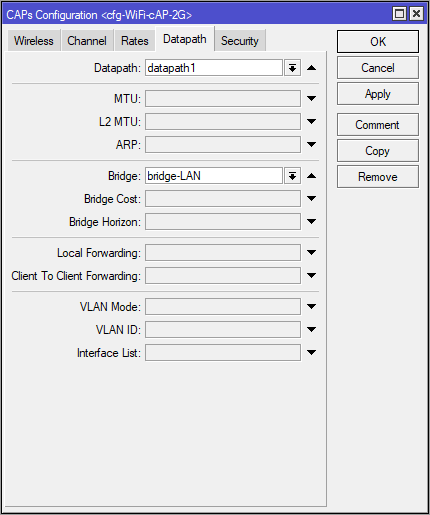
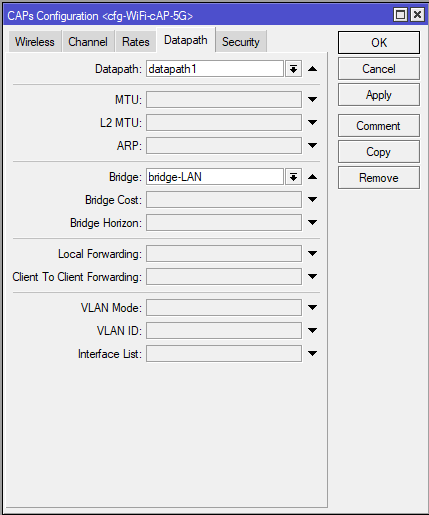
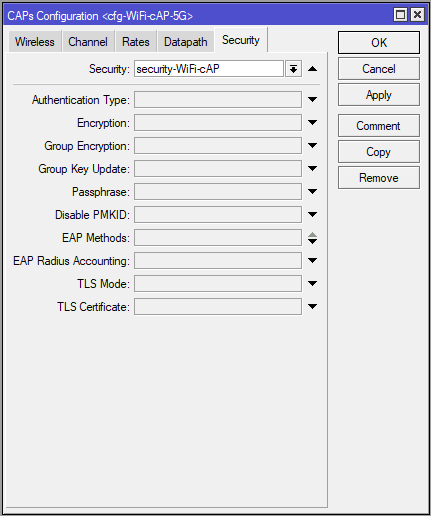
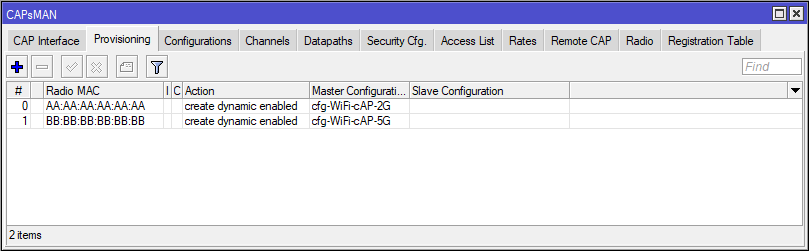
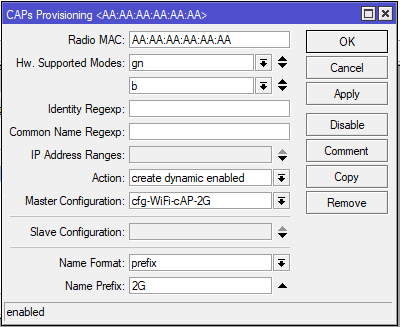
RB3011UiAS (router)/caps-man channel add band=5ghz-a/n/ac control-channel-width=20mhz extension-channel=Ce frequency=5180 name=channel-WiFi-cAP-5G/caps-man channel add band=2ghz-b/g/n control-channel-width=20mhz extension-channel=Ce frequency=2412 name=channel-WiFi-cAP-2G/caps-man datapath add bridge=bridge-LAN client-to-client-forwarding=yes local-forwarding=yes name=datapath1/caps-man security add authentication-types=wpa2-psk encryption=aes-ccm name=security-WiFi-cAP passphrase=TajneHeslo/caps-man configuration add channel=channel-WiFi-cAP-5G country="czech republic" datapath=datapath1 datapath.bridge=bridge-LAN installation=indoor keepalive-frames=enabled max-sta-count=20 mode=ap multicast-helper=default name=cfg-WiFi-cAP-5G security=security-WiFi-cAP ssid=WiFi-5/caps-man configuration add channel=channel-WiFi-cAP-2G country="czech republic" datapath=datapath1 datapath.bridge=bridge-LAN installation=indoor keepalive-frames=enabled max-sta-count=20 mode=ap multicast-helper=default name=cfg-WiFi-cAP-2G security=security-WiFi-cAP ssid=WiFi/caps-man manager set enabled=yes/caps-man manager interface set [ find default=yes ] forbid=yes/caps-man manager interface add disabled=no interface=bridge-LAN/caps-man provisioning add action=create-dynamic-enabled hw-supported-modes=gn,b master-configuration=cfg-WiFi-cAP-2G name-format=prefix name-prefix=2G radio-mac=AA:AA:AA:AA:AA:AA/caps-man provisioning add action=create-dynamic-enabled hw-supported-modes=ac master-configuration=cfg-WiFi-cAP-5G name-format=prefix name-prefix=5G radio-mac=BB:BB:BB:BB:BB:BB
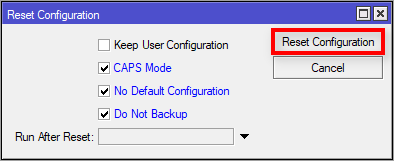
RBcAPGi-5acD2nD (cAP)/system reset-configuration caps-mode=yes no-defaults=yes skip-backup=yes
RB3011UiAS (router)
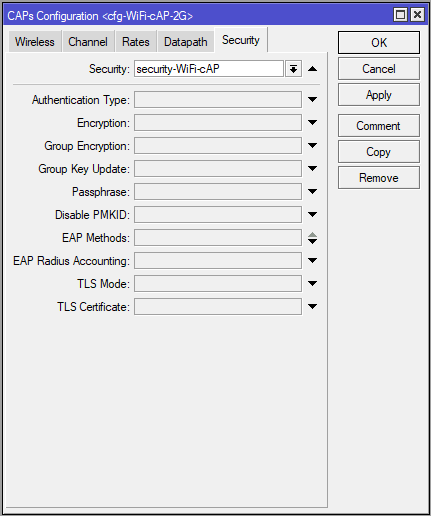
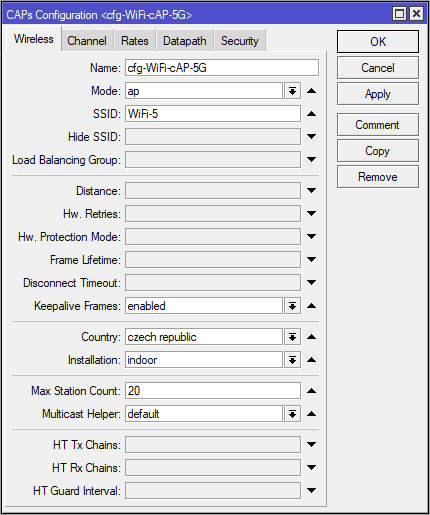
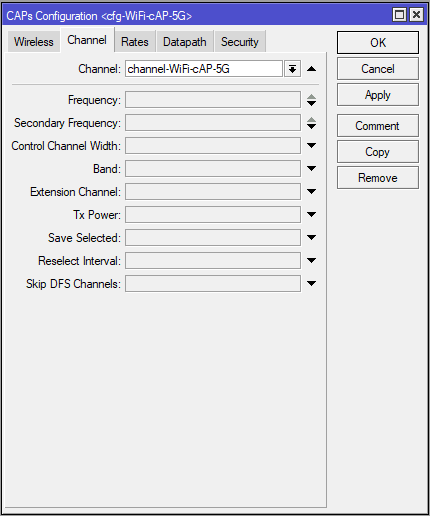
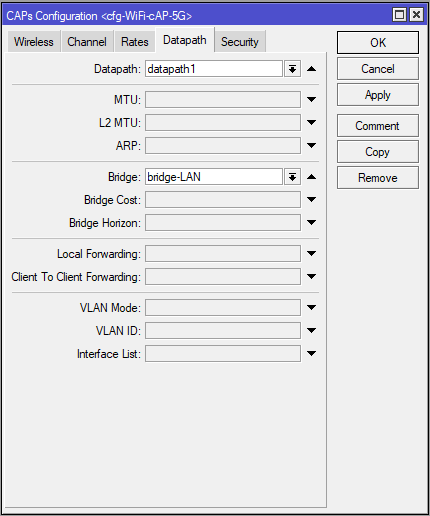
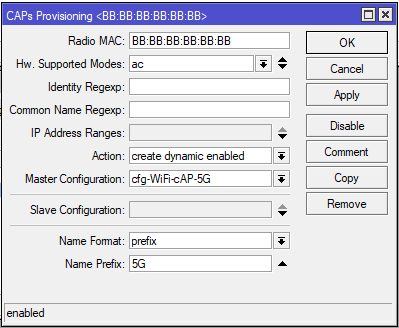
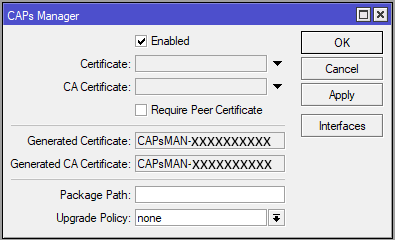
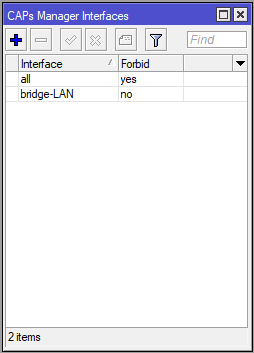
RBcAPGi-5acD2nD (cAP)
Seznam - FREKVENCE WIFI 2,4Ghz, 5Ghz, 10Ghz, 24Ghz, 60Ghz - kanály - ČR - Česká republika:
Štítky
- Pro vkládání komentářů se musíte registrovat nebo přihlásit